Just watched Moonfall and it really looks like a movie.
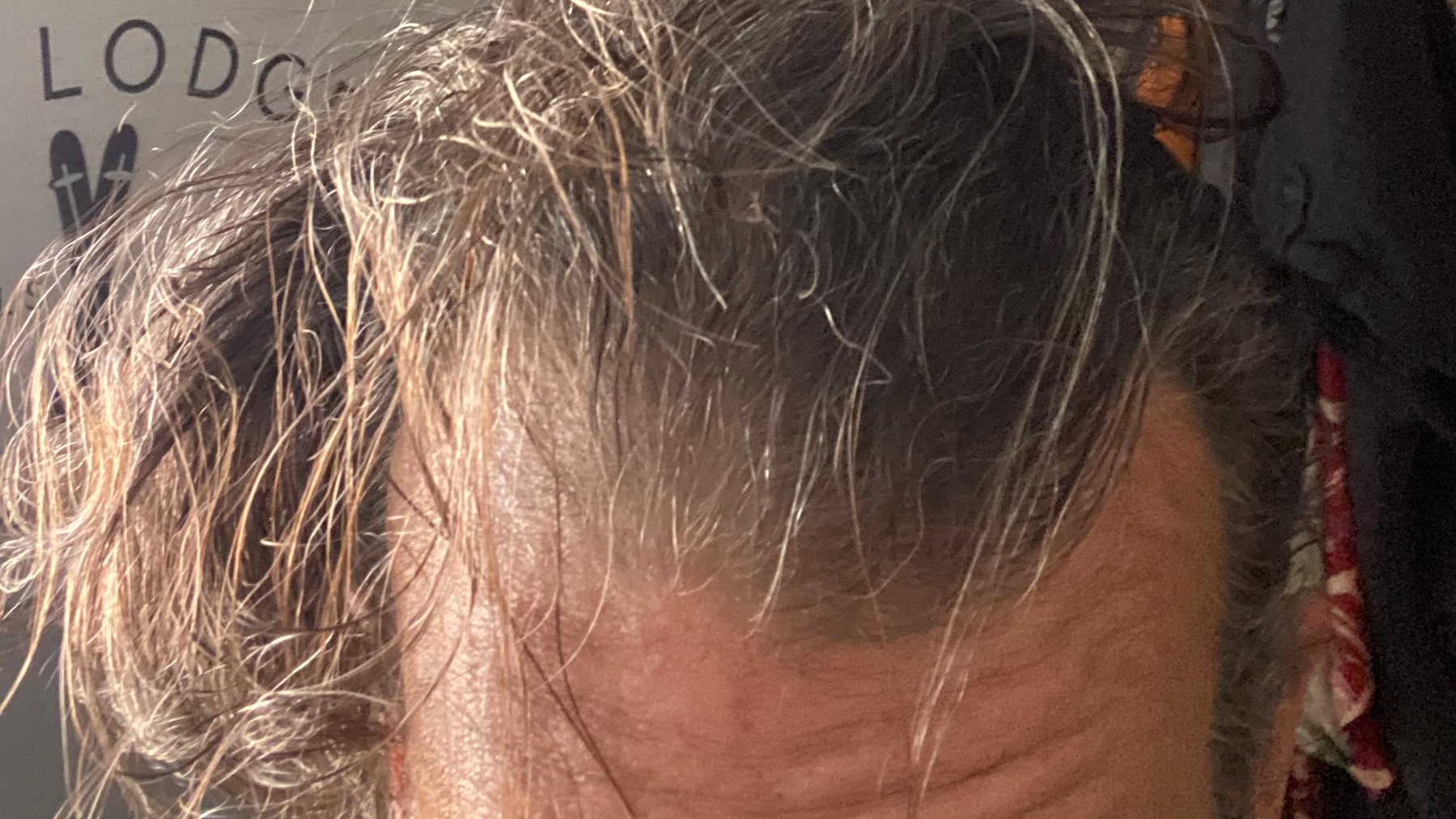
Someone could come at me today and say “Hey grandpa, what happened? Did you lose a hair gel fight?” and I would simply have to nod in assent.
But he brought his head down to the guys boot! Ach. Mexico vs England #WorldCup #WC2026 🇲🇽🏴
At the core of my politics is the memory of my mother’s vocal indignation when a contestant on a game show got what she thought was a bad break.
7-11 recently devalued its currency. A Big Bite was 50% cheaper just a few days ago. Where is the financial reporting on this…? 😜
“Somehow we got sucked into the game…” — So many characters in so many movies
Prepare for the Unexpected
“Prepare for the unexpected!” they say. This is another example of the kind of the thing done with language all the time, an utterance that doesn’t make any sense at all, but which, perhaps lamentably, everyone understands. When we prepare for the unexpected, whatever the unexpected was before we started preparing for it is, now, of course, expected. We can only prepare for the expected. Preparing for the unexpected is a chimera, but an interesting one because it hints at the critical distinction between training and education, between problem solving and thinking.
Natural Intelligence
I sometimes entertain the idea that I might “just” be AI of some sort, which is unnerving in the same way that “it is only a simulation” theories are. Sometimes I imagine the AI CEOs are themselves AI. This is not too much of a stretch considering the unnaturally high levels of obtuse awkwardness exhibited by Zuck, Elon, Altman, the whole lot really, when interacting with regular humans with only natural intelligence.
Somehow there should be a steerable kite sliding through all of that blue.